Screenshots are one of those things you don’t think about until they become a problem. I had hundreds of them scattered across my phone, receipts, reference images, things I wanted to remember, with zero organization and no easy way to get them off my device without going through Google Photos or some other cloud service I’d rather not use.
I wanted something that would let me manage screenshots my way: backed up to my own server, searchable, organized. So I built Blik.
The screenshot problem
Your phone’s gallery app is not a filing system. Screenshots pile up, they’re hard to search, and the only real organization you get is chronological. If you want to actually find something later, you’re scrolling and hoping. And if you want a backup that isn’t Google, your options are limited.
Nextcloud has WebDAV. I have a Nextcloud instance. The pieces were there; I just needed an app that connected them properly.
What Blik actually is
Blik is a screenshot manager with Nextcloud WebDAV sync, AI-powered tagging, and a set of tools for actually organizing your screenshots rather than just hoarding them.
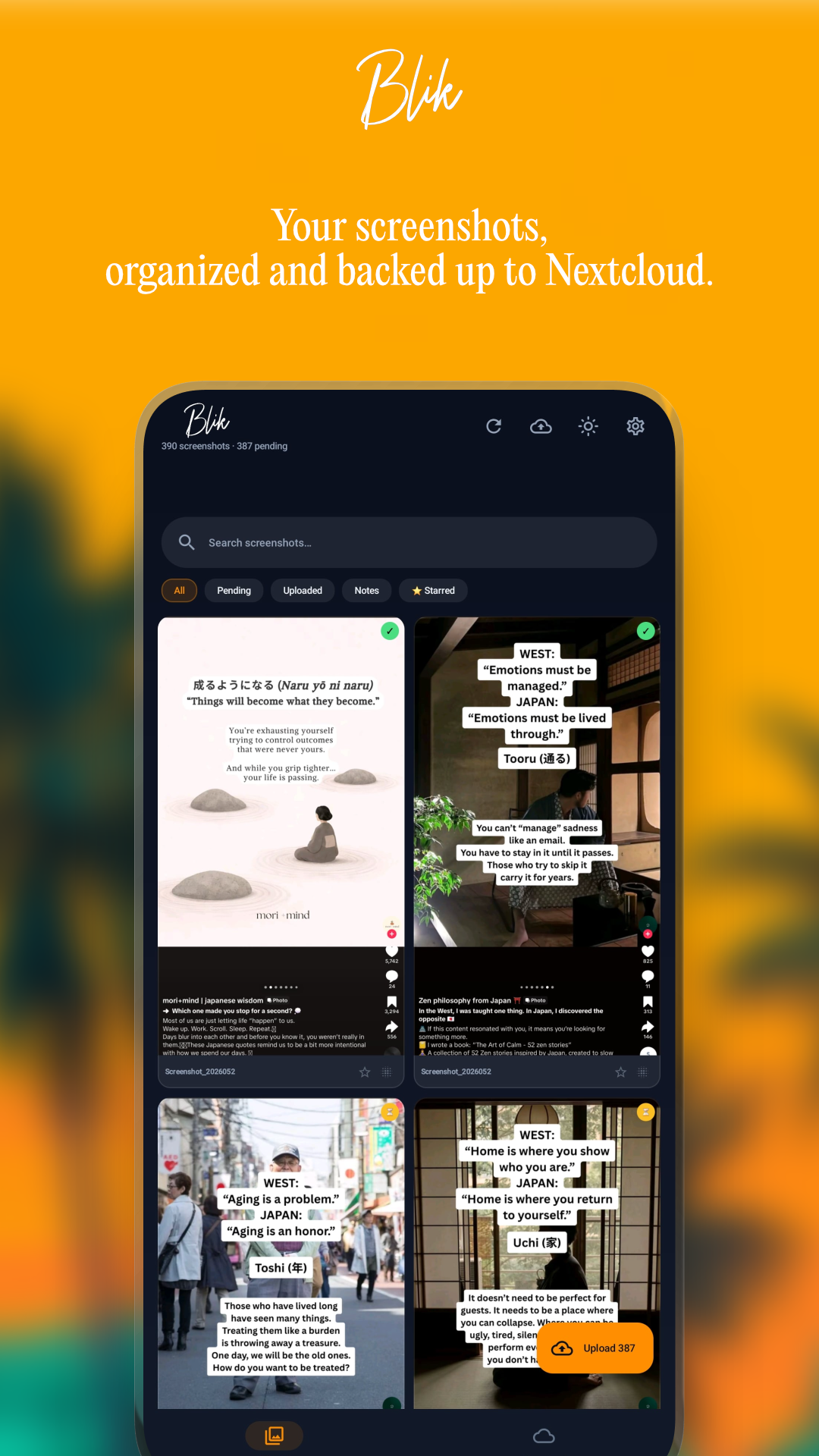
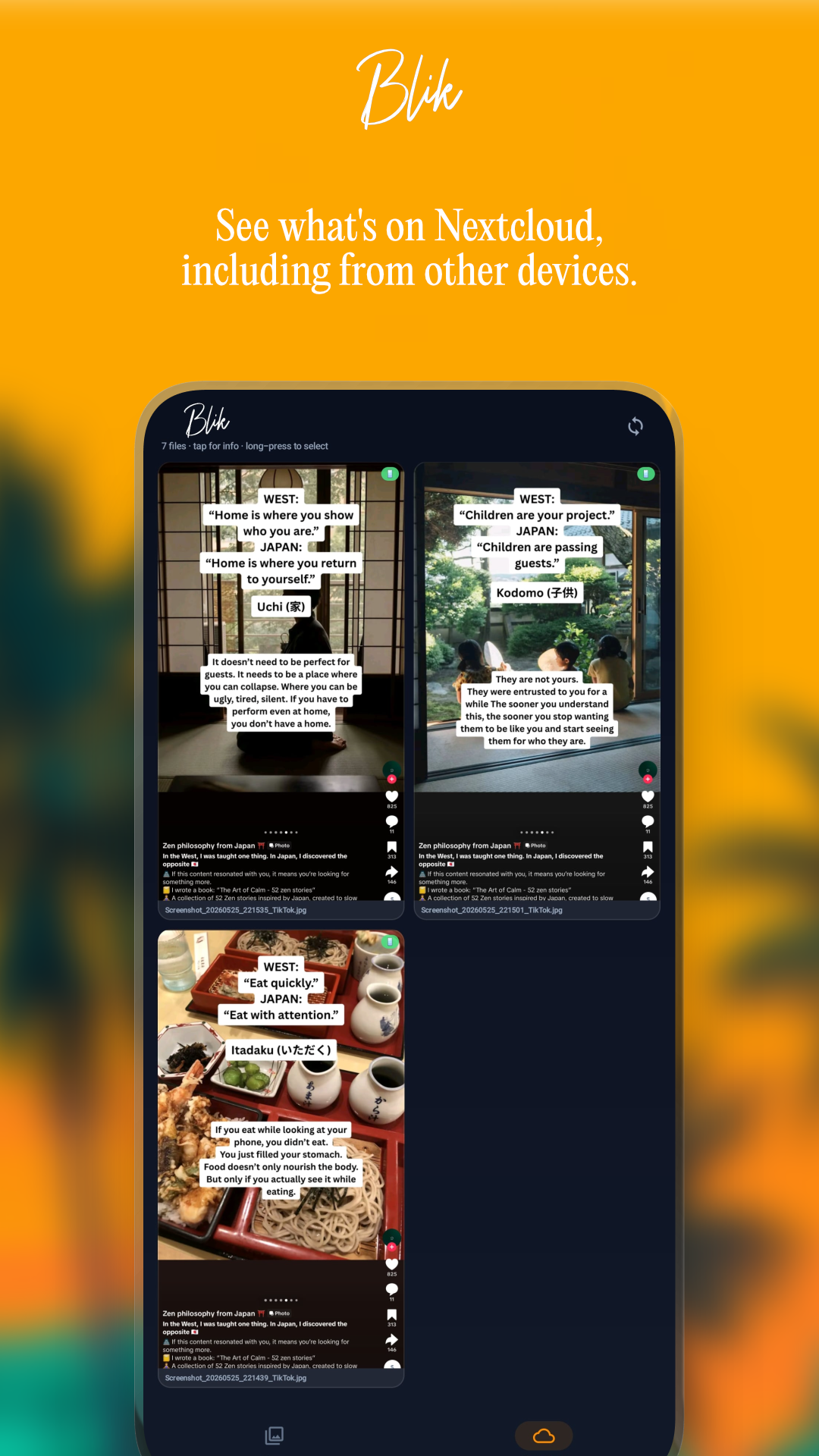
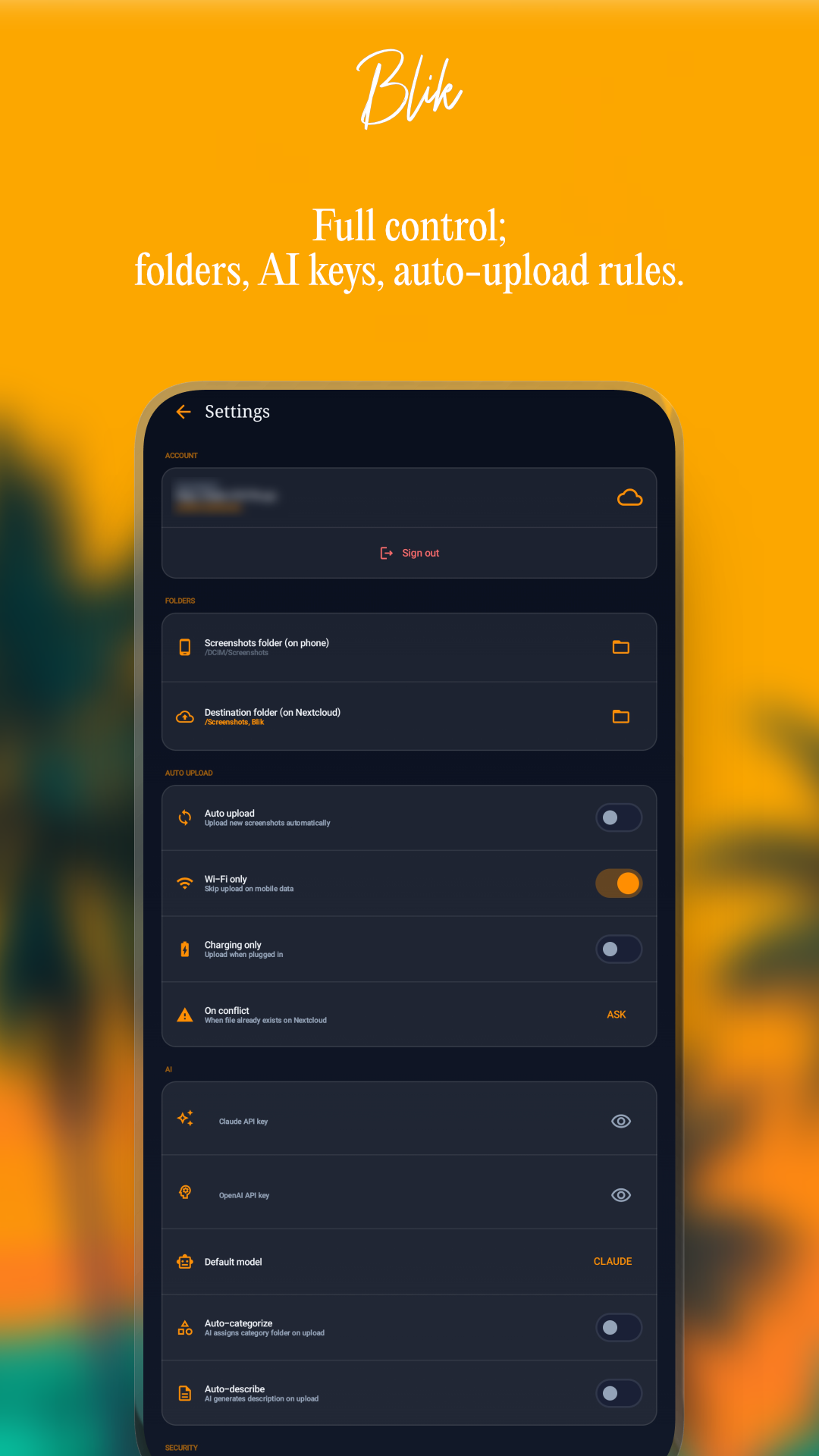
When you open Blik, you pick a folder on your device using Android’s Storage Access Framework. The app reads screenshots from that folder, displays them in a clean grid, and lets you sync them to any folder on your Nextcloud; browsable via a built-in WebDAV file browser. Deduplication is handled with SHA-256 hashing, so you never upload the same file twice.
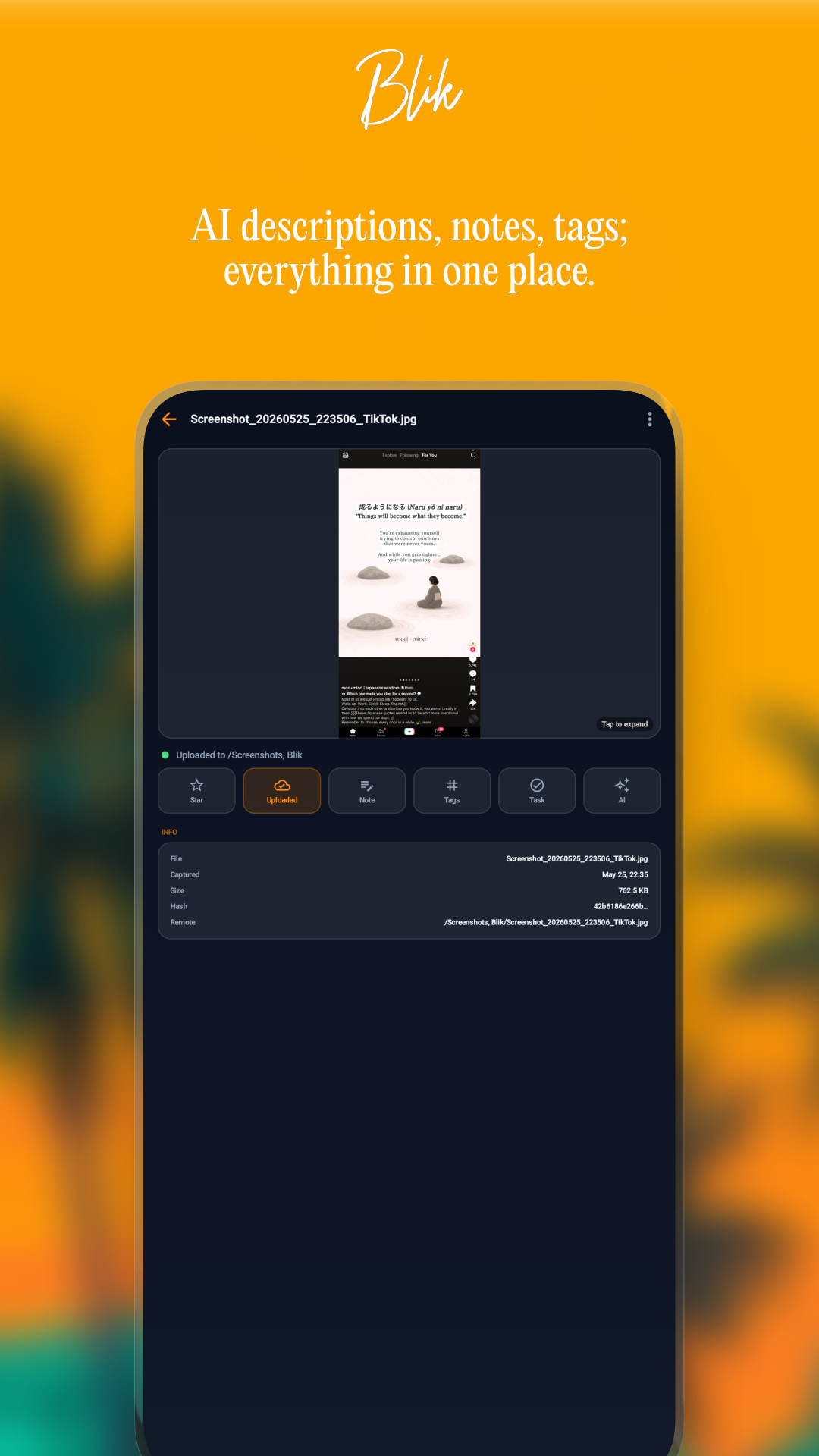
The AI tagging is the part I’m most proud of. You provide your own Claude or OpenAI API key; the request goes directly from your device to Anthropic or OpenAI, never through any server I control. Blik sends the image and gets back descriptive tags, which it stores locally. Those tags make your screenshots actually searchable.
Other features:
- Multi-select batch actions (sync, delete, tag multiple at once)
- Privacy blur for sensitive screenshots before sharing
- Starring for quick access to important captures
- Fullscreen viewer
- Biometric lock
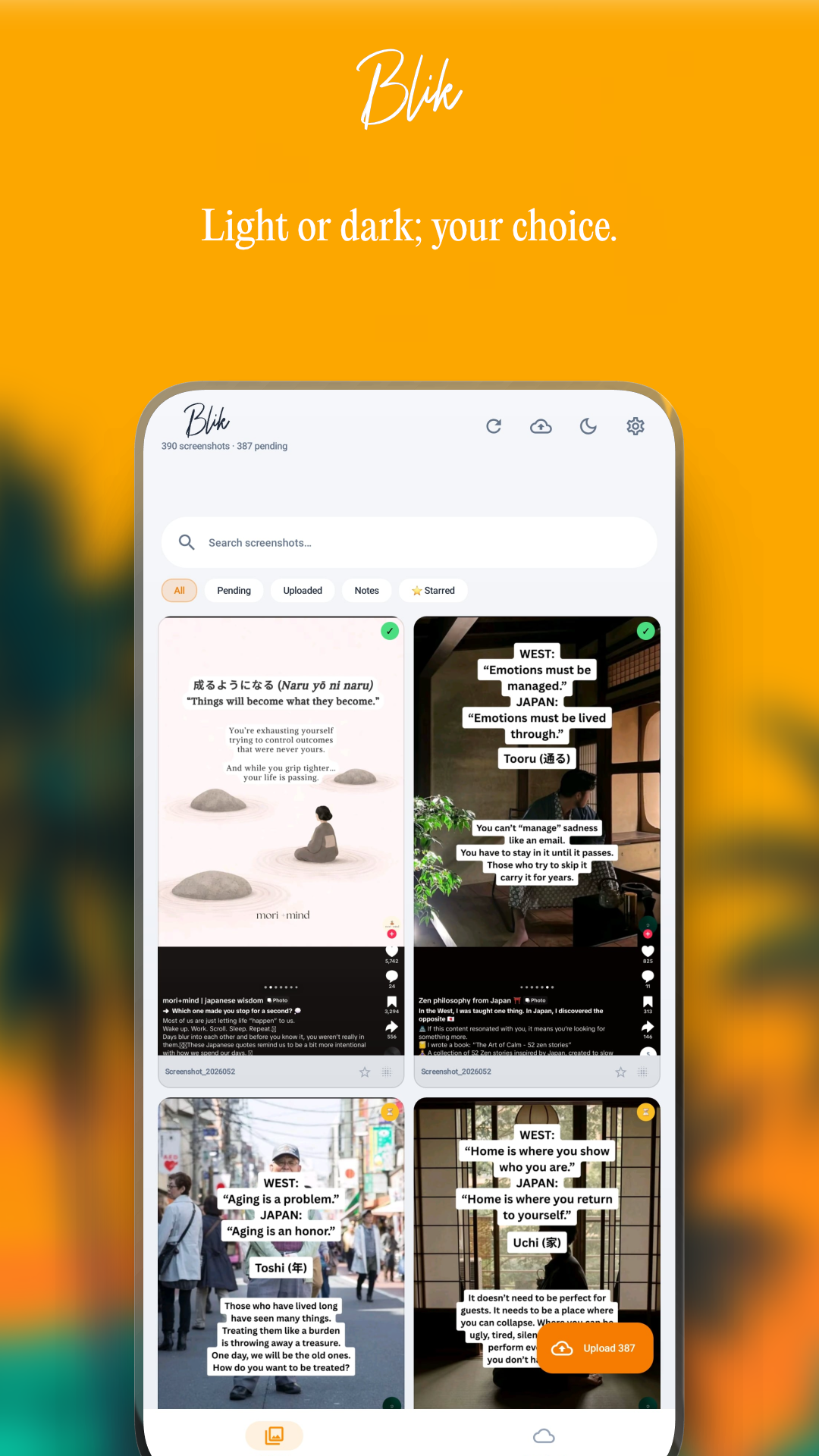
- Dark glass aesthetic, no ads, no tracking
Why your own API key?
This is a deliberate choice, not a limitation. I don’t want to be in the middle of your AI requests. Using your own key means your images never go through any intermediary; they go from your phone to Anthropic or OpenAI directly. You control the cost, you control the data. Blik’s privacy policy is simple: I collect nothing.
Built for the self-hosted crowd
Blik assumes you’re running Nextcloud. If you’re not, the sync features won’t be useful to you; though the local management and AI tagging still work independently. If you are running Nextcloud, Blik fits neatly into your existing setup with no extra infrastructure required.
The source code is on GitHub, the app is free, and donations are always appreciated.